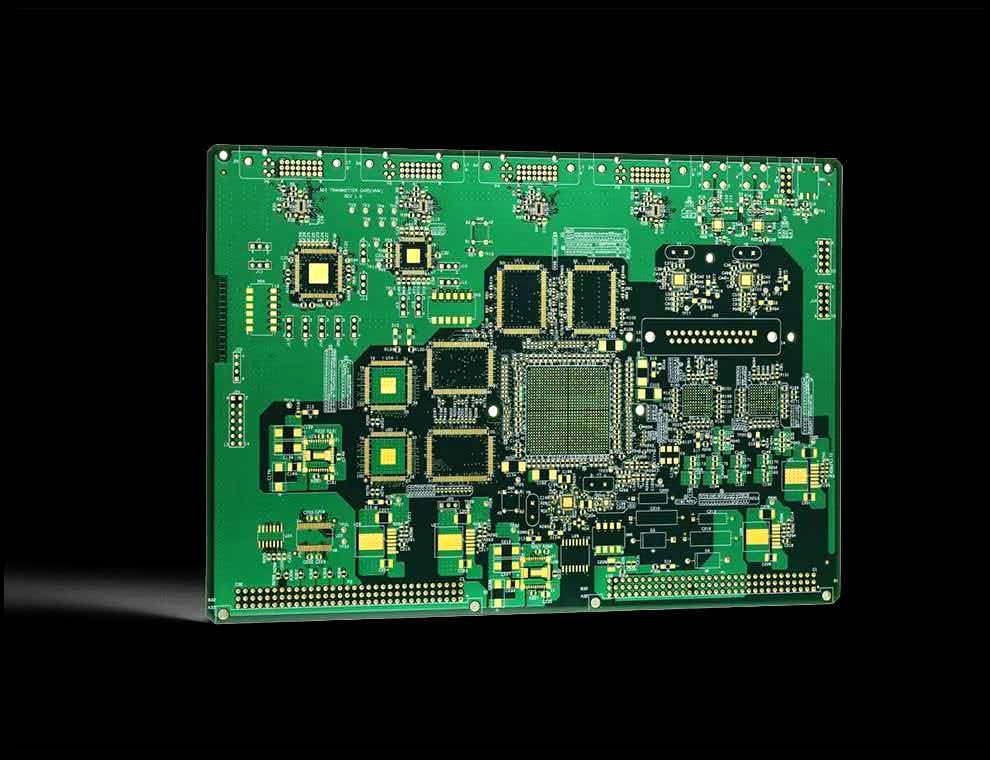
Nothing slows a project down like a "your files are incomplete" email. A few minutes of checking before you upload can save days of back-and-forth. Here's the checklist our engineers use.
The essential files
- Gerber layers (RS-274X) — top/bottom copper, solder mask, silkscreen, and board outline
- Excellon drill file — one file is fine if it covers both plated and non-plated holes
- Board outline — on a dedicated mechanical layer, as a closed contour
Common mistakes to catch
Missing the outline
The single most common issue. Your board outline must be on its own layer with a closed shape. If it's missing, we can't tell where to route the board.
Drill file mismatch
Make sure the drill file matches the current Gerbers. If you changed a hole size after exporting Gerbers but forgot to re-export the drill file, the holes won't line up with the pads.
Wrong units
Gerbers should specify units (mm or inches) in the file header. Modern RS-274X usually handles this automatically, but mismatches still happen — especially with older tools.
Silkscreen over pads
Silkscreen ink on exposed pads causes assembly defects. Most fabs will clip it automatically, but it's better to clean it up in your design so you control the result.
The package
Zip your files with a clear folder name and include a short text file noting: layer count, board thickness, surface finish, copper weight, and quantity. This lets the fab quote accurately without guessing.
Not sure your files are right? Upload them anyway. At MPCB, our engineers check every package and tell you exactly what's missing — free of charge.
Ready to send?
Once you've run through this checklist, head to our quote form and drop your files. We'll take it from there.